


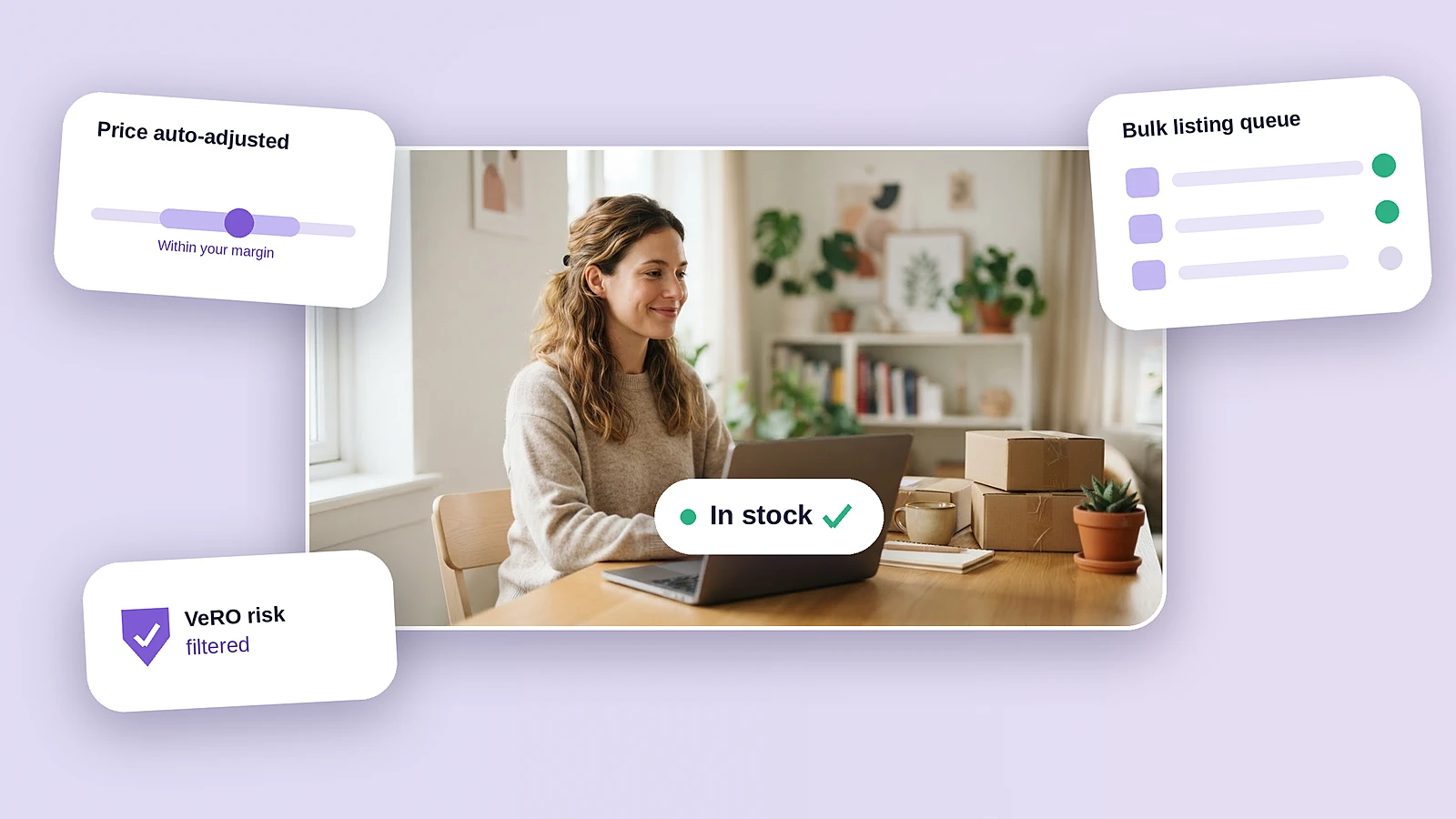


Not all dropshipping mistakes are dramatic. As in life, mistakes are often small, repeated, and easy to miss until they’ve done their cumulative damage. In this case, they quietly eat away at your margin.
Things like overpricing a product because you didn’t check what actually sold. Missing a VeRO flag because you sourced from the wrong supplier. Letting a listing sit at yesterday’s price while competitors undercut you overnight. None of these feel like a crisis in isolation. That’s exactly why they’re so easy to miss, and why many eBay dropshippers turn to automated tools to prevent them.
To be clear, automation for beginners in dropshipping isn’t about running a hands-off store from day one. It’s about removing the specific, repetitive tasks where human error and inconsistency do the most damage, so you can avoid the costly mistakes beginners tend to make before they compound.
Why dropshipping beginners make costly mistakes
New dropshippers aren’t necessarily careless. For most, mistakes come from the learning curve and the limits of human attention. Many new store owners are doing everything manually, for the first time, while also learning the platform, their market, and their niche.
If you’re unlucky, it becomes a perfect storm, with a few patterns that show up again and again (we cover more of them in our guide to common eBay seller mistakes):
- Pricing off a gut feeling instead of data. Checking a handful of active listings and guessing at a competitive price, rather than pricing against what actually sold.
- Letting prices go stale. Setting a price once and not revisiting it as competing sellers adjust theirs.
- Missing compliance risks. Not realizing a supplier or product carries VeRO or IP risk until the listing gets pulled.
- Losing track of inventory across multiple listings. Selling something that’s out of stock with the supplier, leading to a cancelled order and a dent in seller metrics.
None of these are knowledge problems. Most beginners know, in the abstract, that they should check sold prices or monitor compliance. The mistakes happen because doing it manually, every time, for every listing, is tedious enough that things slip through the cracks, or unglamorous enough to get pushed aside for more interesting work.
Where dropshipping automation actually helps beginners
Preventing these errors isn’t about working harder or setting more calendar reminders. It’s about building a system that watches the variables you can’t realistically watch by hand all day.
That’s where targeted automation comes in. Not to replace your strategy, but to enforce it in a few key places. For beginners, these four matter most:
1. Product pricing
An automated repricing tool tracks competitor pricing continuously and adjusts your price in near real time, instead of whenever you next remember to check. This closes one of the biggest gaps between manual and automated selling: consistency and response speed. And because you set the margin limits, the tool makes those adjustments without crossing them. Hard for humans, easy for machines.
Big benefit: A human checks prices in bursts. Software checks them constantly and fine-tunes accordingly.
2. Product research and vetting
Instead of manually cross-referencing sold listings, demand signals, and supplier legitimacy one product at a time, tools like Yaballe can surface products that already meet your criteria, filtering out ones that carry VeRO risk or thin margins before you ever list them.
Big benefit: You stop wasting time vetting products that were never going to work.
3. Inventory and stock syncing
Automated stock tracking flags when a supplier runs out before you accidentally sell something you can’t fulfill. A single cancelled order doesn’t just cost you that sale. It counts against your seller metrics in a way that can quietly follow you for months.
Big benefit: You’re far less likely to sell something that’s already out of stock, or spend your time answering frustrated buyers.
4. Listing management at scale
As you add more products, manually updating titles, descriptions, and prices across dozens of listings becomes its own time sink. An auto-lister keeps that overhead, which is essentially data entry, from growing alongside the store.
Big benefit: More listings no longer means more manual work.
None of these automated eBay dropshipping tools replace judgment. A beginner, just like a long-time store owner, still decides what to sell, who to source from, and how to price for their own margins. What automation removes is the repetitive execution, where a lack of attention, time, or energy is what causes the mistake.
Where dropshipping beginners should still stay hands-on
Automation is most useful for tasks that are repetitive and rules-based. It’s less useful, at least early on, for judgment calls that need context a tool doesn’t have. New sellers in particular should stay closely involved in:
- Reading buyer messages and complaints. Automation can flag a pattern, but responding well still takes a human read on tone and context.
- Choosing a niche. Tools can surface what’s trending or selling, but deciding what fits your store, your risk tolerance, and your interests is still your call.
- Reviewing automated decisions early on. A new pricing rule or product filter isn’t set-and-forget. Check it regularly until you trust it’s doing what you intended, and keep checking now and then after that.
The goal for an eBay beginner isn’t full automation from day one. It’s finding the specific mistakes that cost you the most and automating those first.
Also, automation doesn’t fix mistakes. It accelerates whatever you already have. A beginner who doesn’t know their real margins and turns on automated repricing isn’t removing the mistake. They’re automating it at scale, and the tool will now tirelessly optimize toward the wrong number. That’s why a human in the loop stays necessary, even after years in the business.

Getting started with dropshipping automation without overcomplicating things
The point of dropshipping automation isn’t saving five minutes on an order. It’s closing the invisible revenue leaks that can quietly kill a store. With the repetitive work handled, you spend less time fixing preventable problems and more time improving margins or expanding into new niches. If you’re still setting up, start with our step-by-step eBay dropshipping guide.
The mistake many beginners make when they do turn to automation is trying to automate everything at once. Adding five tools in the first month and losing track of what each one does is both costly and confusing. At that point you haven’t removed manual work. You’ve traded it for a new kind: figuring out and managing the tools themselves.
A simpler approach: automate the task that’s causing the most damage right now, get comfortable with it, and expand from there. It’s easier, and far more likely to work.
Dropshipping automation for beginners: FAQ
Pricing, product research, or listing new items tend to have the biggest impact for the least effort. Manual pricing lags behind the market, while manual research and listing creation eat up hours of tedious work. Automating these lets you import product data accurately in seconds, list items in bulk, and split them into smaller scheduled batches. Any of the three is a good starting point, depending on your needs.
Yes, and it’s one of the more overlooked opportunities for beginners. Messaging automation, including Yaballe’s API, can handle buyer communication after a sale, after shipping, and after delivery, and leave feedback for buyers. Each message is small. At volume, they add up to real time savings and a more consistent buyer experience than remembering to follow up on every order by hand.
No. Automation handles repetitive execution, not the decisions about what to sell, who to source from, or how to price for your margins. Beginners still need to understand those fundamentals. Automation just removes the manual grind of applying them consistently.
Pricing lag. Sellers who reprice manually often let prices sit stale for days or weeks, quietly losing margin or sales to competitors who adjust more often. Automation picks up pricing changes in near real time and adjusts your price to match, within your margin limits.
It depends on volume. A store with a handful of listings may not need automation yet, since managing it by hand is still doable. Once a store grows past that, the time cost of doing everything manually usually outweighs the cost of automating the tasks the right tool can do accurately for you.


